Juice With Strings Attached: The Truth About Public USB Sockets
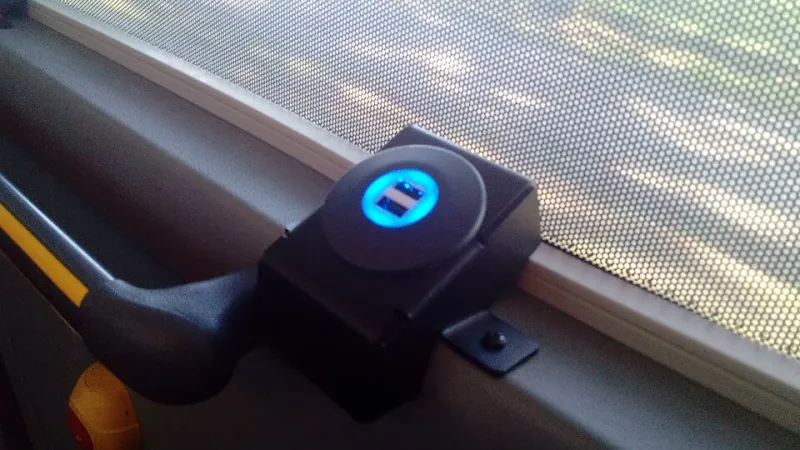
Photo: Donald Trung Quoc Don (Chữ Hán: 徵國單) - Wikimedia Commons - © CC BY-SA 4.0 International.(Want to use this image?)Original publication 📤: --Donald Trung 『徵國單』 (No Fake News 💬) (WikiProject Numismatics 💴) (Articles 📚) 20:05, 9 October 2019 (UTC), CC
Picture the scene. You are on the 17:42 out of King's Cross, your phone is clinging to 4%, and there, tucked under the armrest, is a USB socket. It is free, it is convenient, and it is just plausible enough to make you wonder: is this thing safe?
The honest answer is that public USB charging is usually fine and occasionally not. The trick is to separate the scary headline from the realistic risk, then decide how much faff you are willing to accept. You do not need a Faraday cage. You do need a bit of common sense.
What the socket actually is
Most USB ports on UK trains, buses and station waiting areas are simple power outlets. They take the vehicle's electrical supply and turn it into something a phone can use. Some are dumb 5V sockets. Some are smarter USB-C ports that negotiate power. A few sit inside larger pieces of equipment with their own electronics.
The important point is that a USB socket is not automatically a data connection. Many are wired for power only. But USB is a strange, flexible standard, and a port that can carry power can sometimes carry data too. That is where the nervousness comes from.
The 'juice jacking' story, minus the sirens
The classic warning goes like this: a criminal tampers with a public USB port, you plug in, malware hops onto your phone, and your bank account is emptied before you reach Peterborough. It is a great story. It is also much harder to pull off than the headlines suggest.
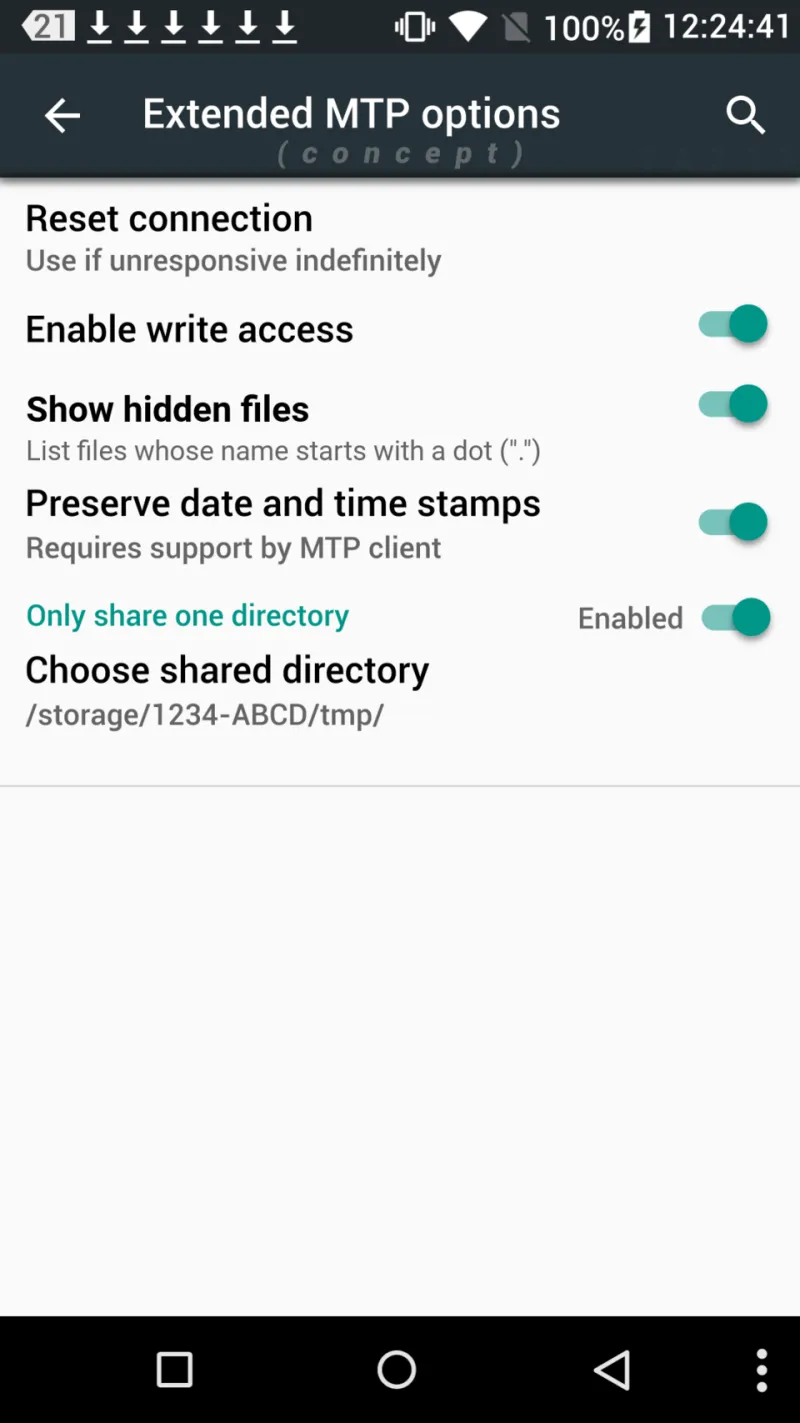
For a malicious port to do real damage, several things usually need to line up. The port has to be tampered with. Your phone has to be unlocked or willing to trust the connection. You may have to tap 'Trust' or allow file transfer. Modern phones are not completely defenceless, and a locked handset is a useful barrier.
That does not make the risk zero. It makes it rare, situational and worth a small amount of care. The bigger everyday risks are more boring: a damaged socket, a dodgy cable, a phone that gets hot, or a port that fails halfway through a train journey and leaves you with less charge than you started with.
What a data blocker can and cannot do
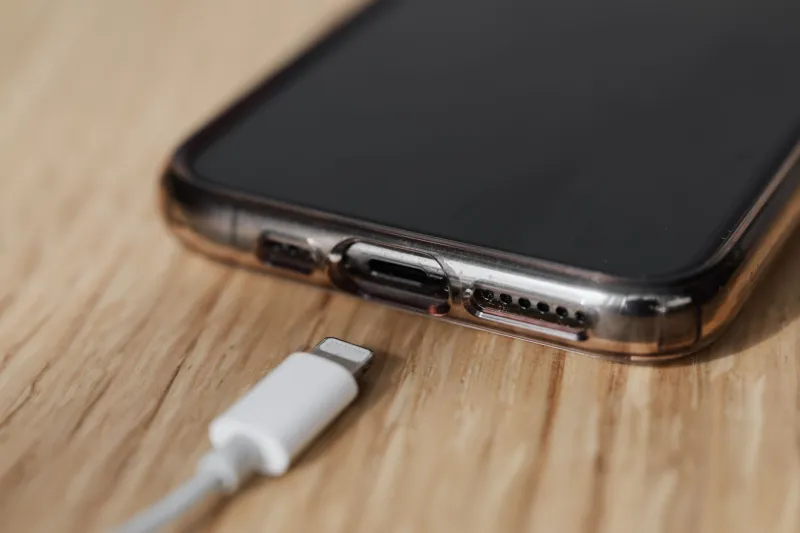
A USB data blocker, sometimes called a USB condom, is a small adapter that sits between the socket and your cable. It physically cuts the data pins and lets only power through. If you are worried about a port trying to talk to your phone, it is a cheap and sensible bit of kit.
It is not a magic shield. A data blocker cannot protect you from a badly wired socket, a power surge, a physically damaged port, or your own decision to tap 'Trust' on a prompt. It also cannot make a slow port fast or guarantee that your phone will charge at the speed it wants. It simply removes one route for data to travel.
A charge-only cable does a similar job, but not every cable labelled 'charging cable' is genuinely data-free. If you are relying on that, buy from a sensible brand and test it before you depend on it. A data blocker is easier to trust because you can see what it is doing.
The kit that earns its place in your bag
You do not need much. A small power bank covers most emergencies. A mains charger and a UK plug are useful if you are near a socket. A short, good-quality cable saves you from relying on whatever is dangling from the seat. Add a data blocker if you use public ports often.
The habits matter more than the gadgets. Keep your phone locked while it charges. If a screen pops up asking you to trust a computer or allow file access, unplug and walk away. Do not leave your phone unattended. Check the port before you plug in: if it is loose, cracked, scorched or held together with tape, find another one and mention it to staff.
On trains, it is also worth remembering that the socket is not a babysitter. A phone on a seat is a phone someone can pick up. Charge it in your hand, on your lap, or in a bag you are holding.
If something does go wrong
If a public port damages your phone or your cable, report it to the operator and keep your ticket. Note the time, the carriage or location, and take a photo of the port if it is safe to do so. Proving that a specific socket caused a specific fault is difficult, so do not assume compensation is automatic. Consumer law gives you rights, but evidence is the practical currency.
If you suspect fraud rather than hardware damage, contact your bank first and change the passwords on the accounts that matter. Report it to Action Fraud. Do not pay for a 'phone repair' service that promises to clean malware from a charging port unless you know and trust the people involved.
The sensible verdict
Use the socket if you need it. The realistic risk is low, and most public ports are exactly what they appear to be. But treat any public port as shared equipment, not as your bedside table. Bring your own power when you can, use a data blocker when you cannot, keep the phone locked, and decline anything that asks for trust.
That is not paranoia. It is just good manners for a phone in public.